




Key takeaways
- Event sites are quiet for weeks, then everyone arrives at the same minute. Plan for that minute.
- Keep heavy media (video heroes) light, lazy-loaded and served from a CDN.
- Make the ticket or RSVP path the shortest path on the site.
Most websites get steady traffic. Event websites get almost none, and then a flood: the moment tickets open, a line-up is announced or a post goes viral. HallyuCon, Singapore’s Korean-wave festival covering K-pop, K-drama, beauty and fashion, is exactly that kind of site. These are the lessons we keep coming back to.
The brief
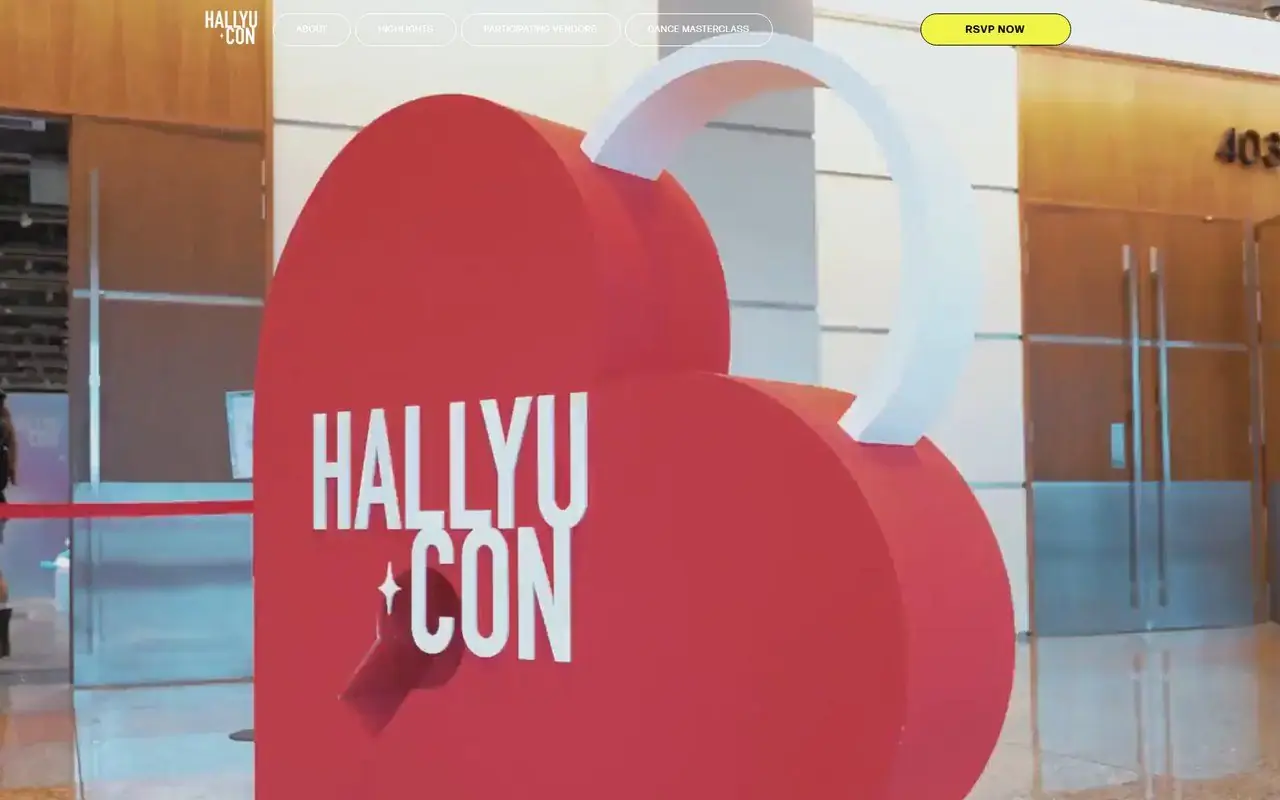
HallyuCon Vol. 3 needed a website that could sell the festival and run the practical side: programme, the HallyuCon IDOL competition, dance masterclasses, the marketplace, and RSVP and ticketing. It also needed to look as energetic as the event itself, which meant big imagery and a video hero.
Designing for the spike
- Static where possible. Pages that do not change minute to minute are cached and served from a CDN, so a surge does not hit the server for every visitor.
- Third-party ticketing for the busiest step. Checkout runs on infrastructure built for queues and payments, while the site handles discovery and information.
- One obvious path. “Get tickets” is visible on every page, so nobody hunts for it at the moment that matters.
Video heroes without the weight
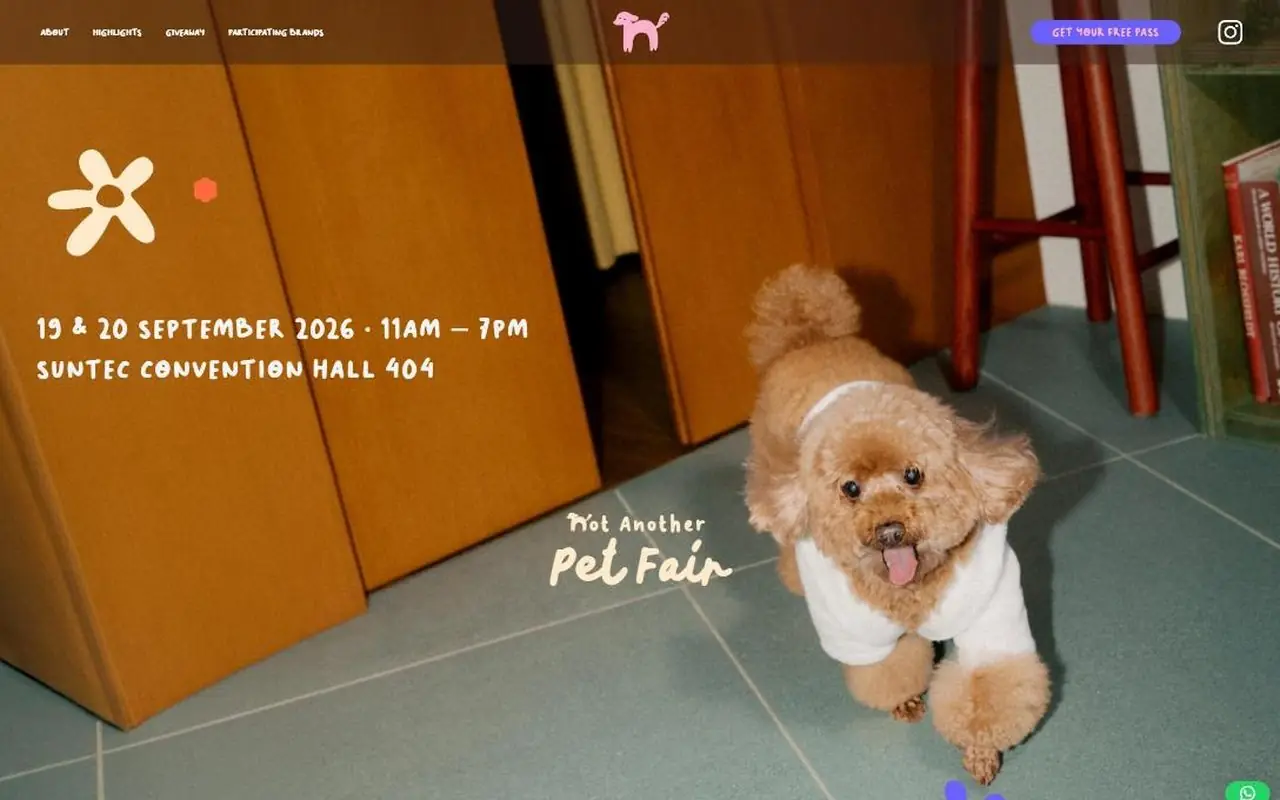
A full-screen video sets the mood, but it can also be the heaviest thing on the page. We keep hero videos short, muted and looping, compressed to modern formats (WebM with an MP4 fallback), and show a lightweight poster image first so the page appears instantly while the video loads.
Mobile first, literally
Event audiences arrive from Instagram, TikTok and WhatsApp links, almost always on phones. We design the mobile layout first: thumb-reachable buttons, short pages and forms that work with autofill.
“An event site has one job on launch day: get people to the ticket button, fast.”
The Pineapple · case notes team
Launch-day checklist
- Load-test the key pages before announcements go out.
- Pre-warm the cache so the first wave gets fast pages too.
- Freeze changes in the hours before tickets open.
- Watch it live with monitoring and someone on call.
- Have a fallback message ready if a third-party system queues users.
Quick answers
The questions we hear most on this topic are answered in the FAQ below.

Written by
The Pineapple teamAn app development and web design studio in Singapore. Since 2021 we have launched 60+ apps, platforms and websites for events, education, retail and growing businesses, and we write about what we learn along the way.